Appearance
Blueback Investigator Quick Guide
Tools
Equation transformer
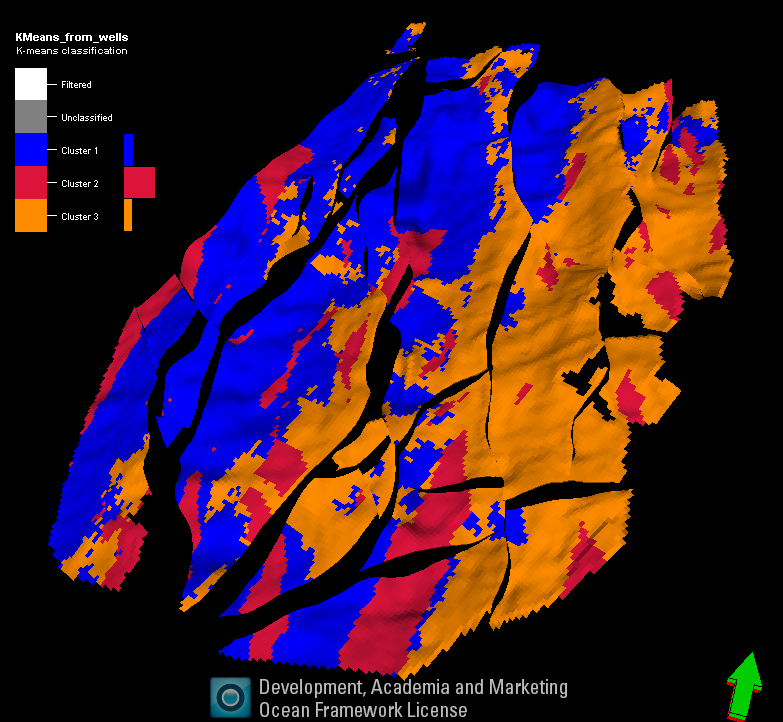
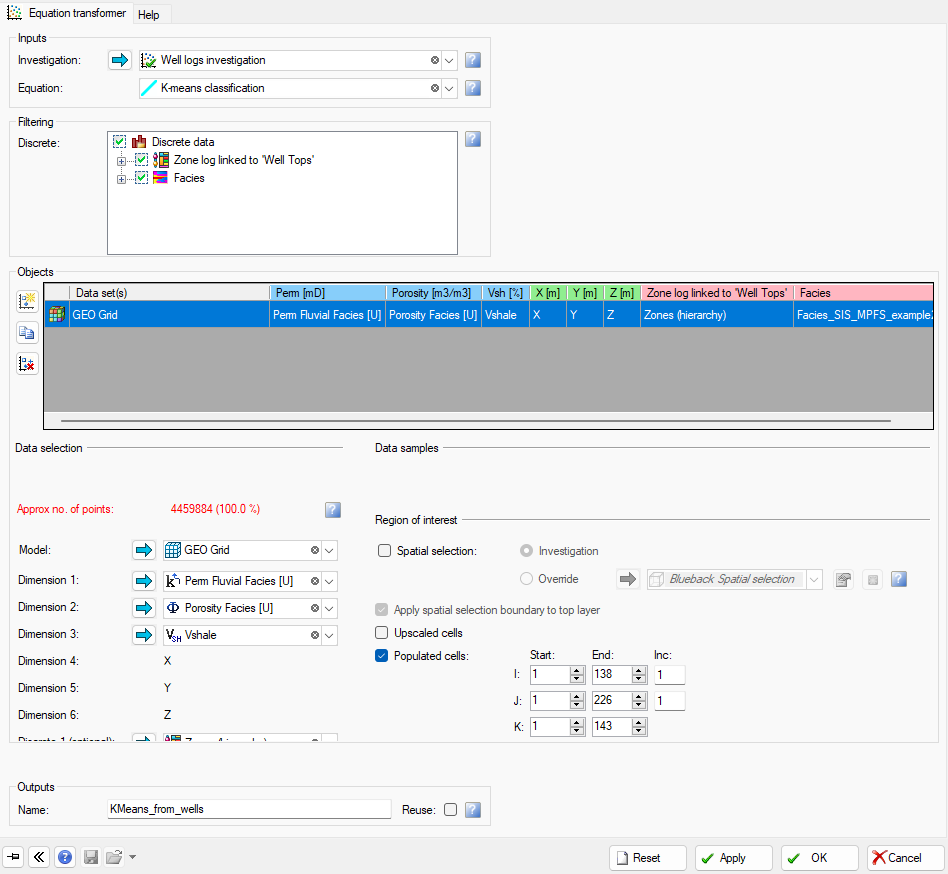
In Blueback Investigator there are several options to create data transforms. Various regression types, classification types and Principal component analysis. These data transforms can be applied on other data sets containing the same input variables. E.g. regressions and discrete classifications generated from well logs can be applied to other wells or to a 3D grid, if these data sets contain the same input variables as the origin well log data set. The data transformation is performed in the Equation transformer
Equation transformer
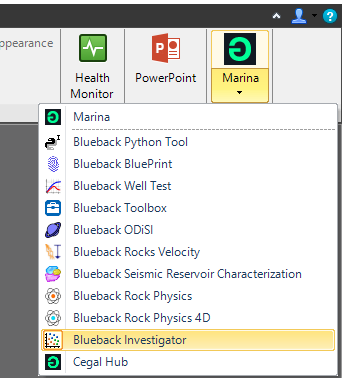
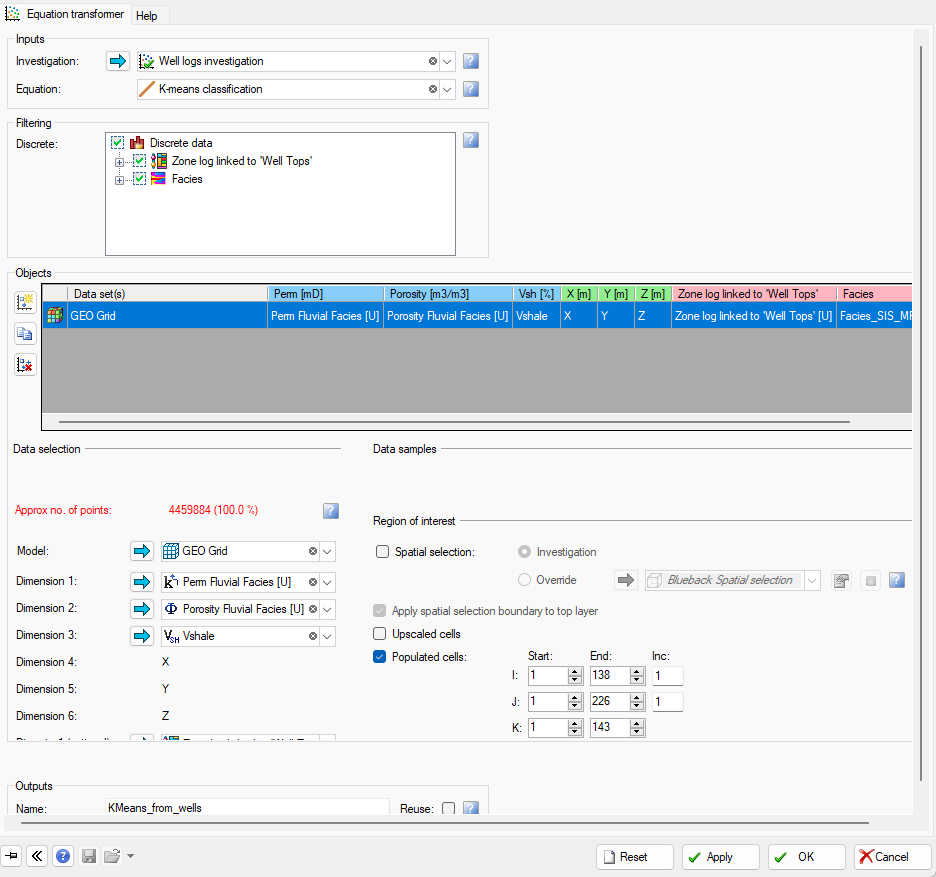
The Equation transformer is opened via the Marian drop down menu from the Petrel Ribbons menu (Petrel Home tab) Select ”Equation transformer” from the ”Investigator tools” menu. From the Investigation drop down, all Investigations that has any type of data transform (regression, classification etc.) will be available
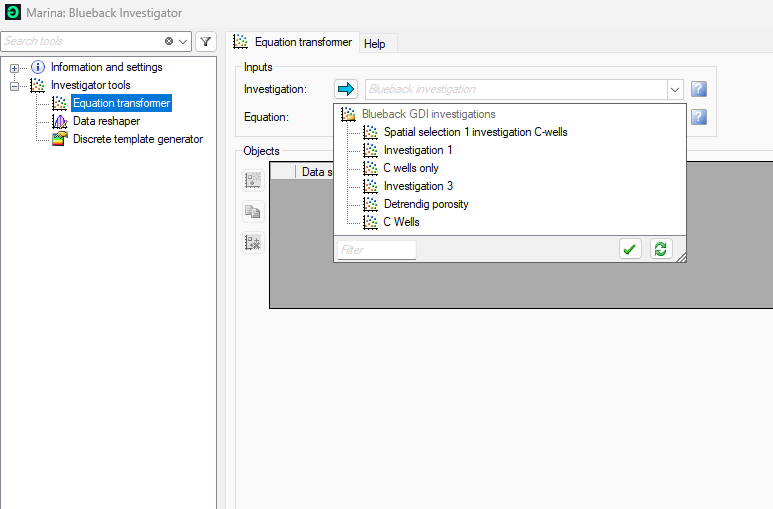
Equation transformer
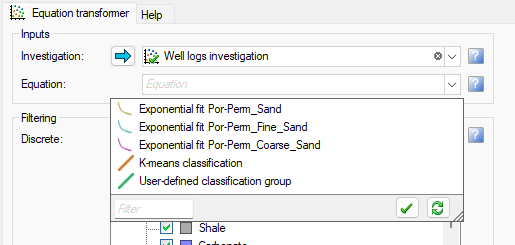
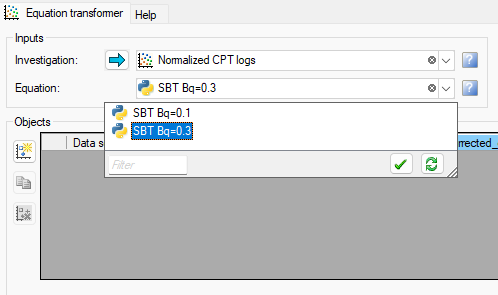
Select the specific investigation from the ”Investigation” drop down. From the ”Equation” drop down, select the transform to be applied. The selected transform can be filtered to only be applied in a discrete class.
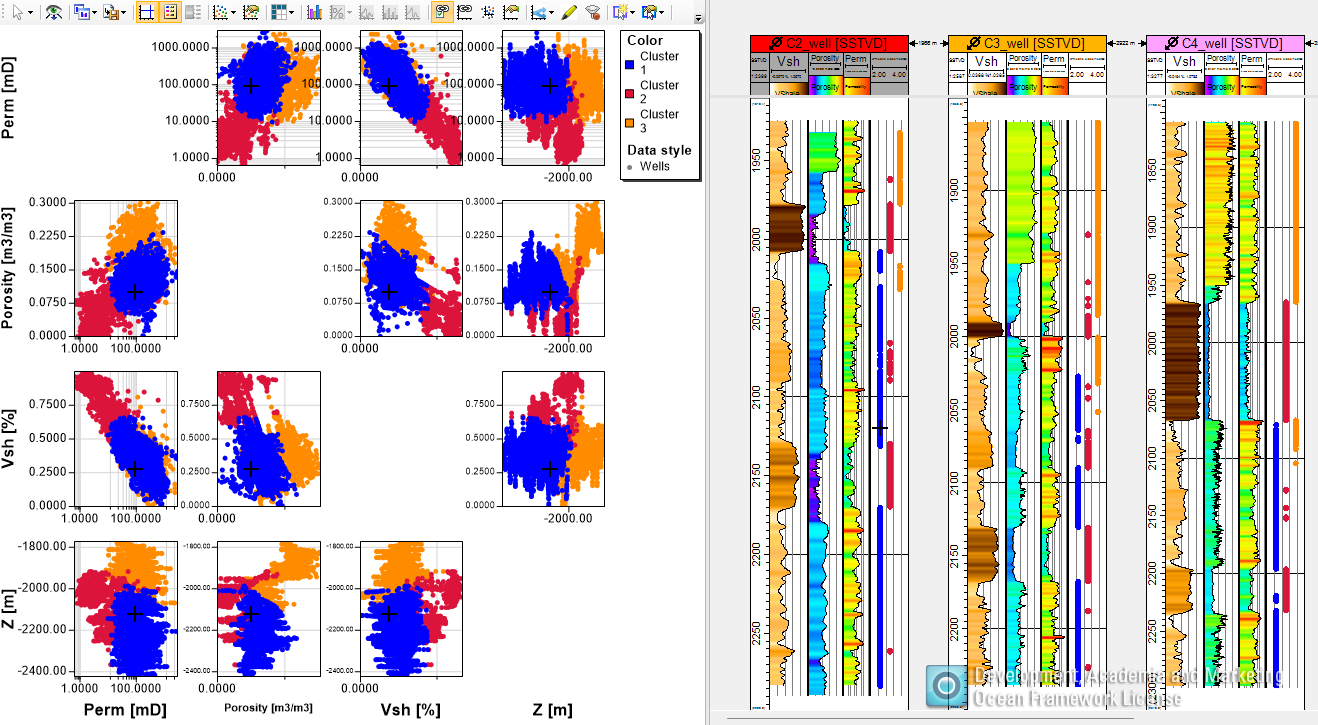
Investigation with Exponential Por-Perm equations, KMeans classification and a manual classification
Investigation with Python generated classification (via Prizm Investigator)
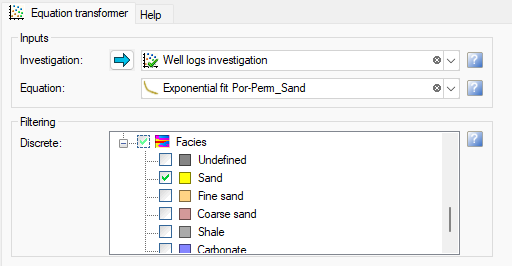
Por-perm regression applied to ”Sand” discrete class
Equation transformer
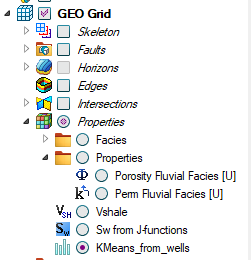
Select transform to be applied - select new data set on which to apply the transform, specify input dimensions, specify name for calculated output – hit Apply-OK
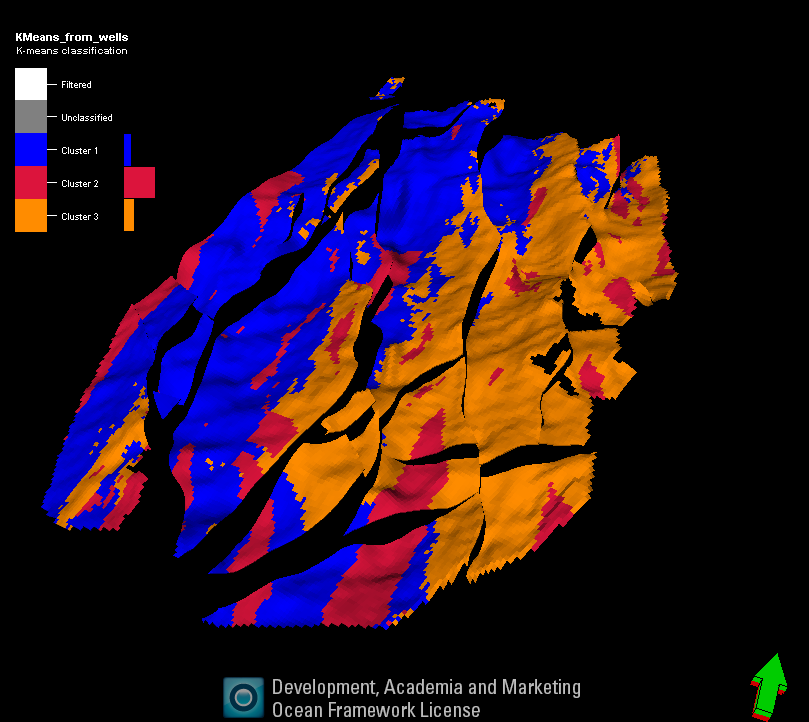

Apply discrete template to seismic
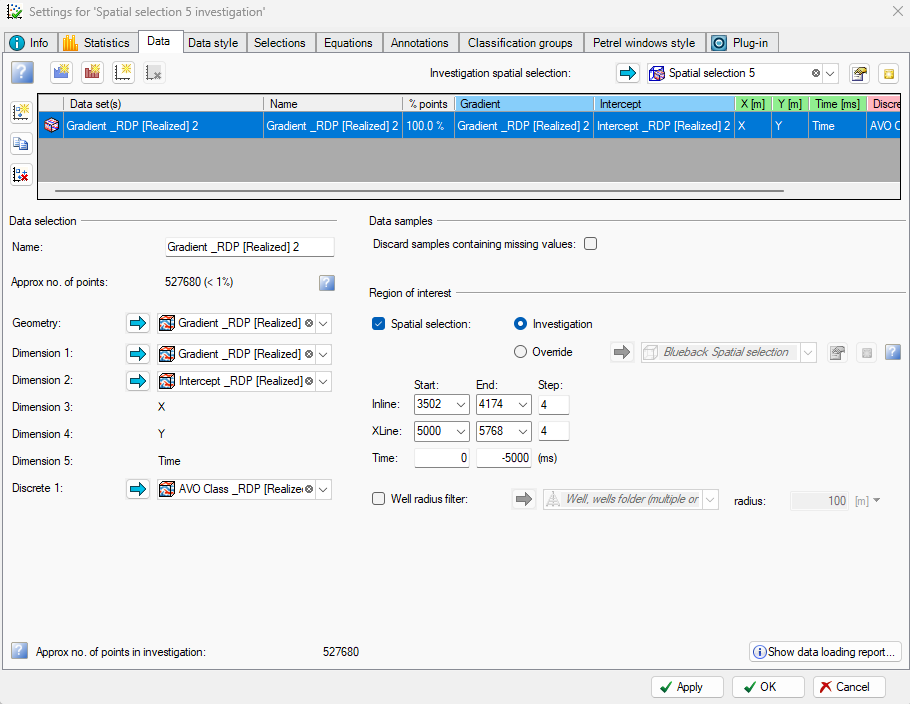
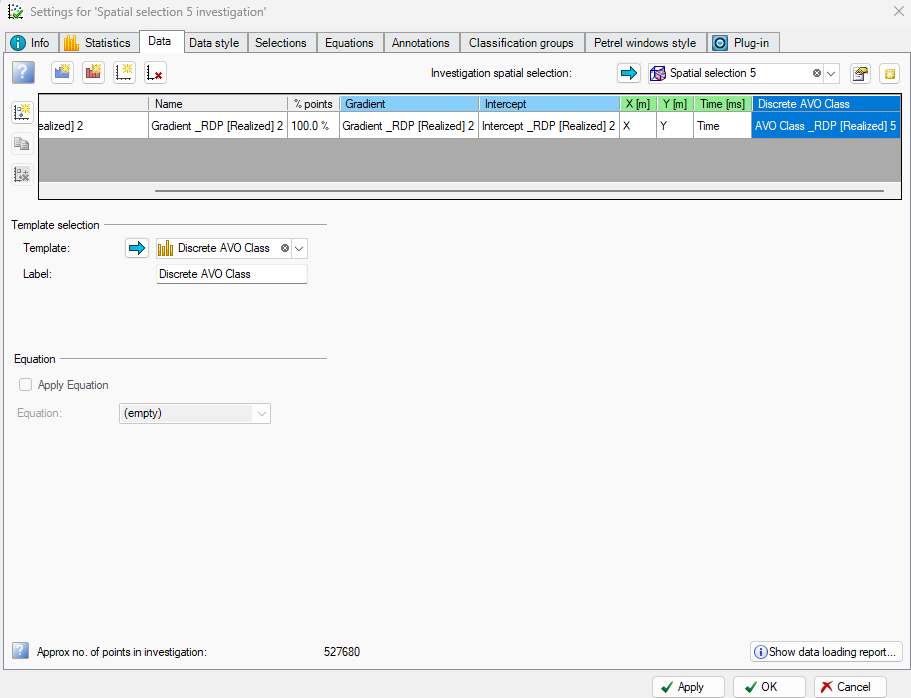
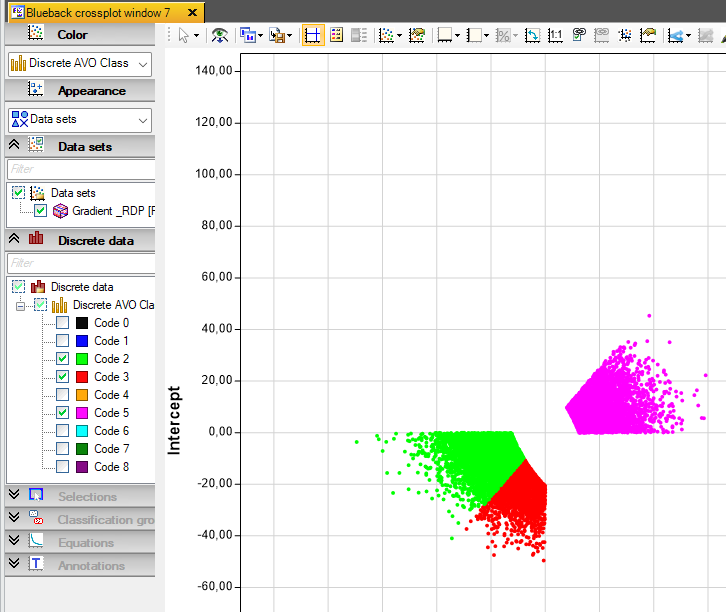
Build the seismic investigation by adding the continuous attributes ( using the spatial selector method ) Manually add a discrete variable (using the red ‘Add discrete dimension’ button and drop in the discrete seismic attribute. Go the setting for the discrete dimension and select the newly discrete template as the template for the dimension. OK/Apply and the investigation is ready to be plotted, and having the discrete class filter option in the plots