Appearance
Blueback Investigator Quick Guide
Examples
Simulation time step comparison
Compare static and dynamic properties plots by time step
Option for introduction slide.
Simulation time step comparison
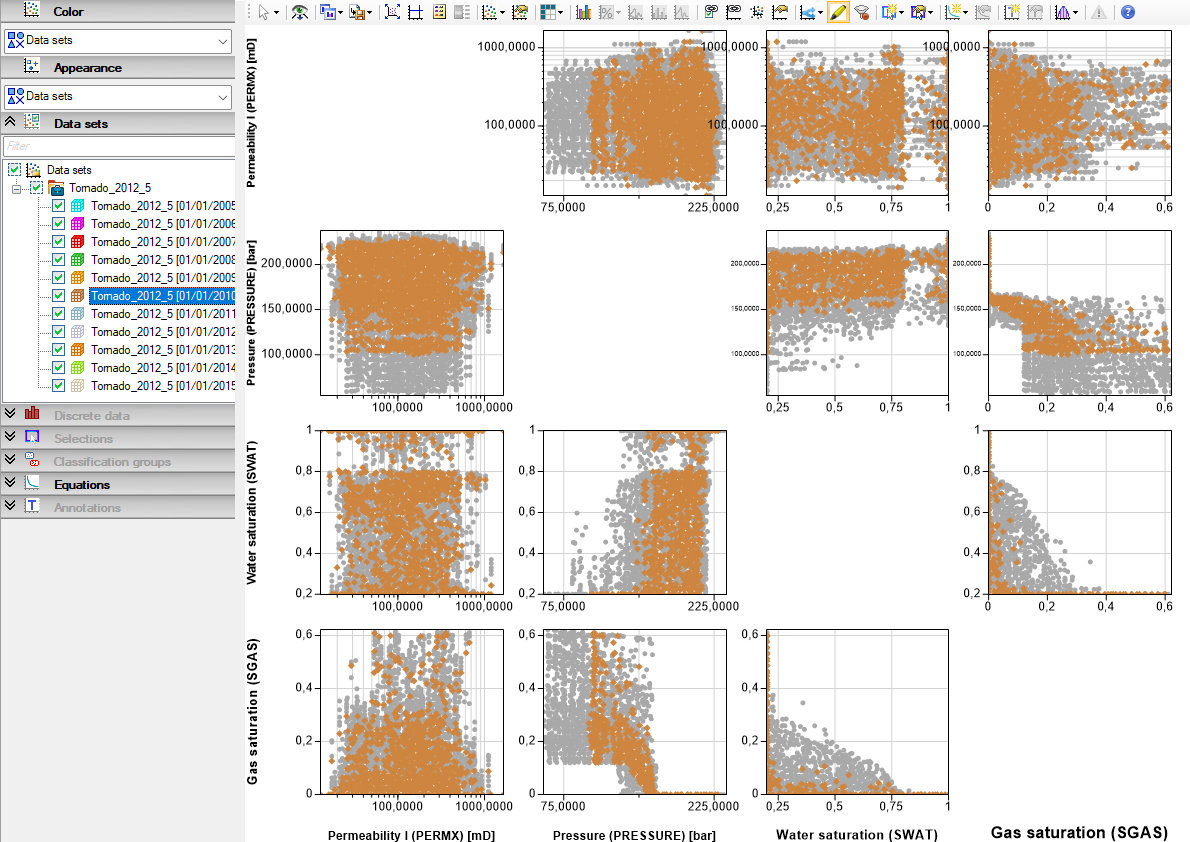
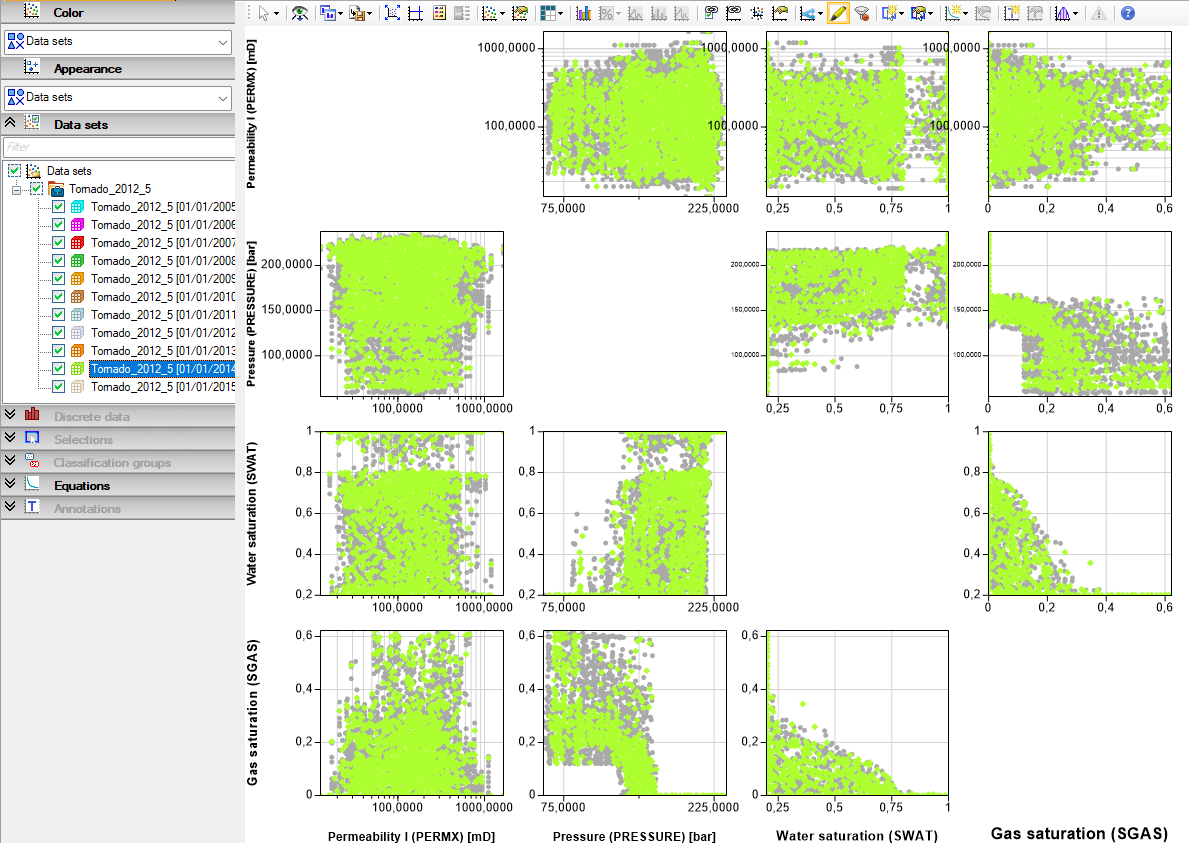
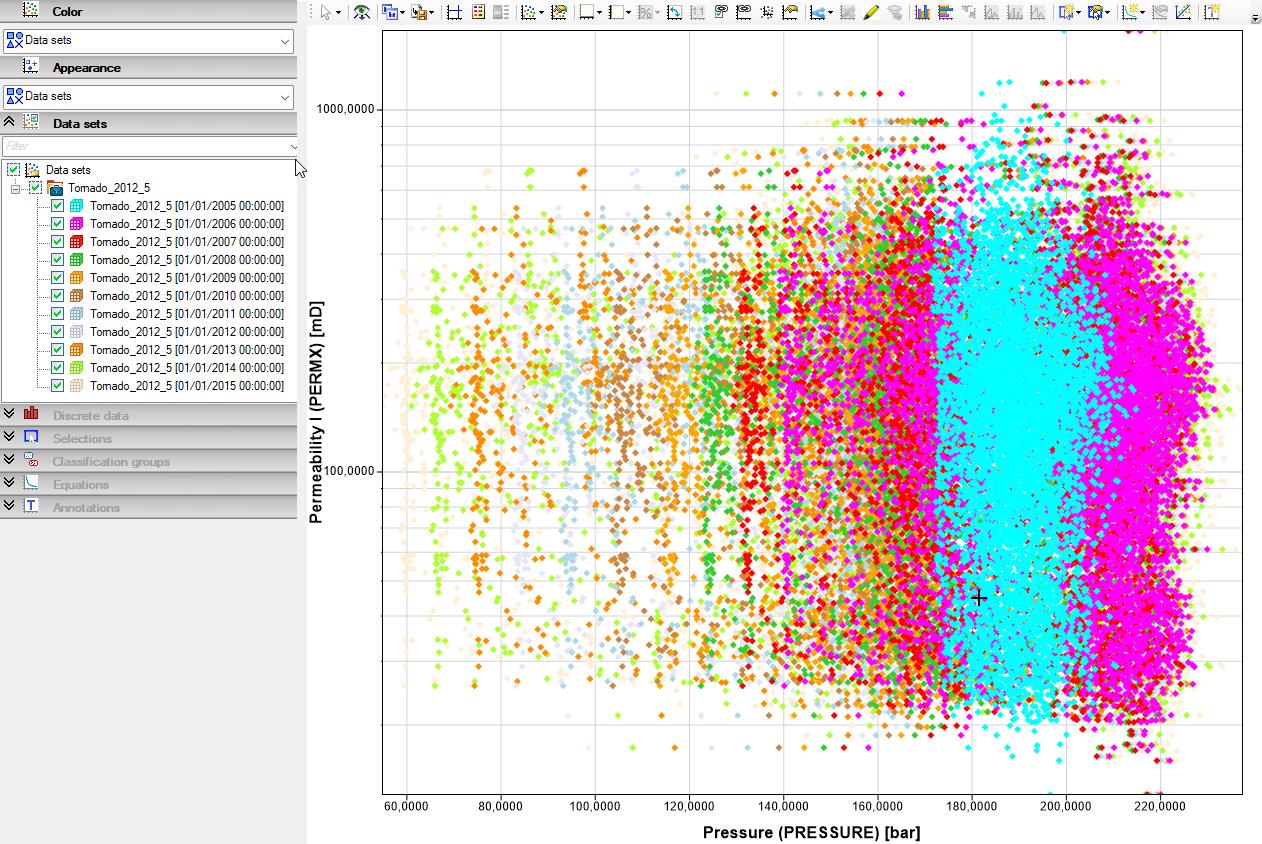
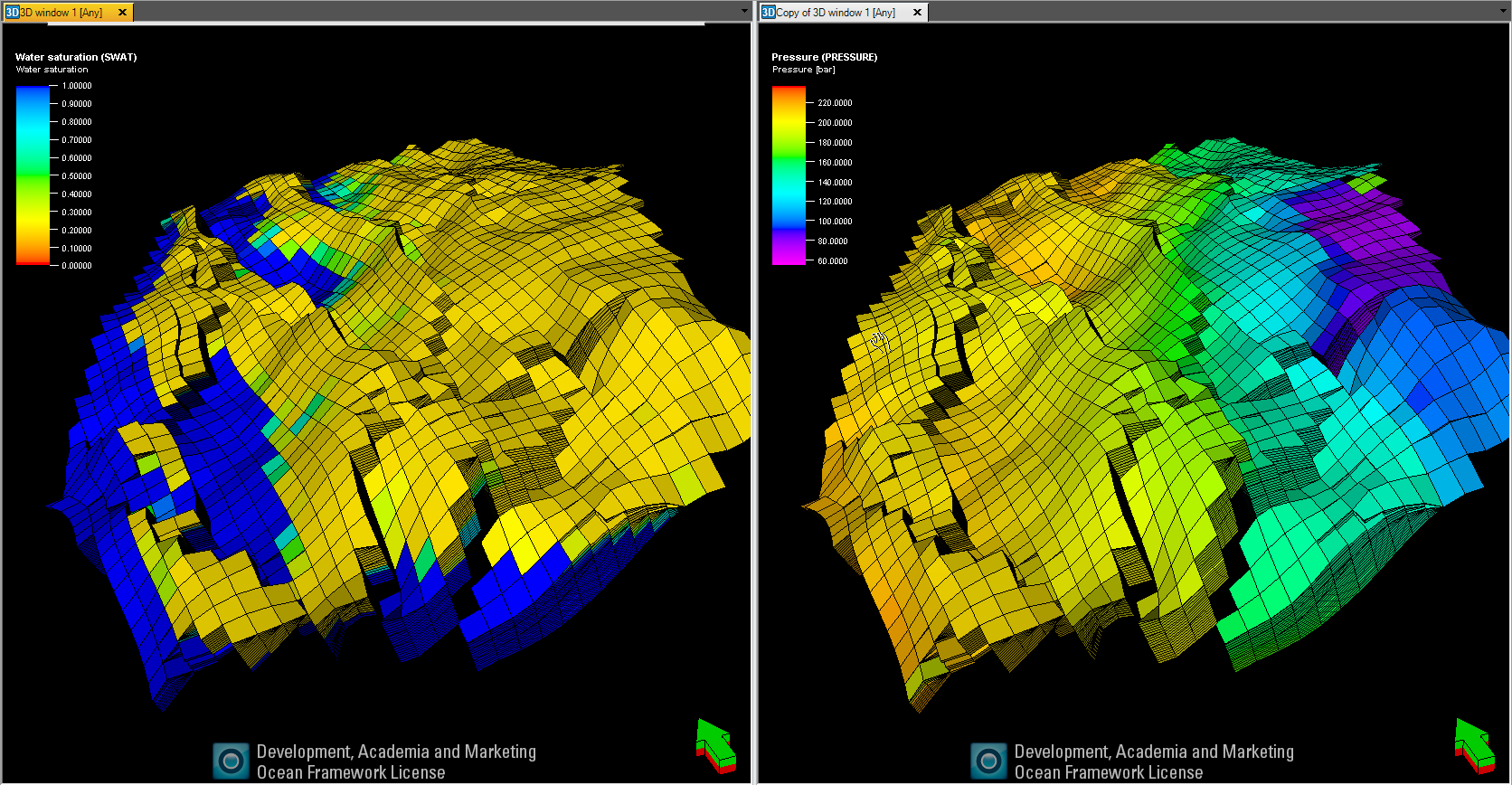
Use the Investigator for data analysis of development of dynamic properties with simulation time step. Add static and dynamic properties to an investigation and play through the time steps in the various plot configurations.
Simulation time step comparison
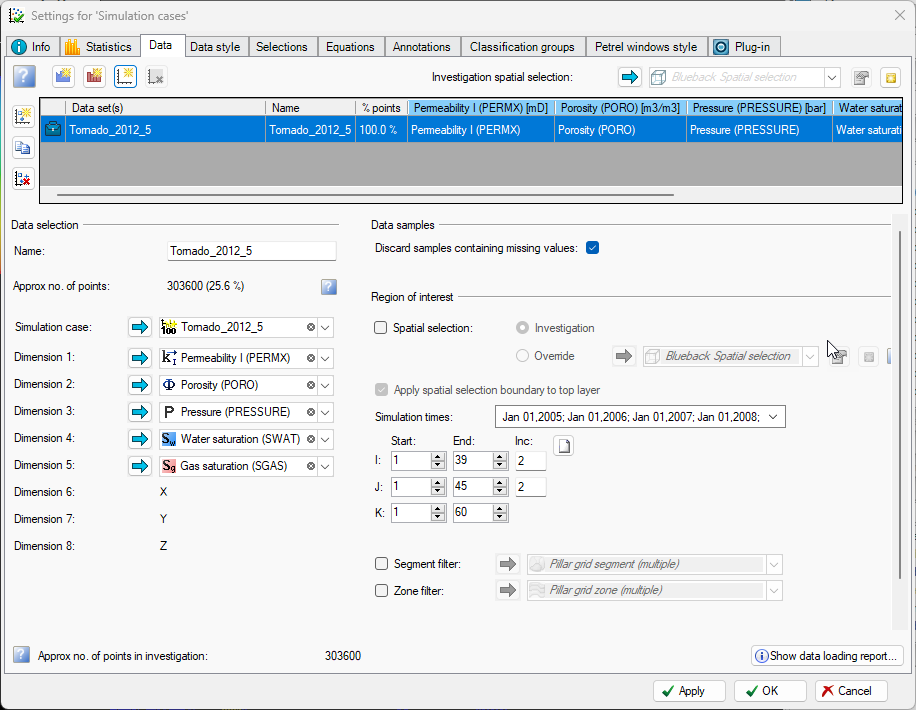
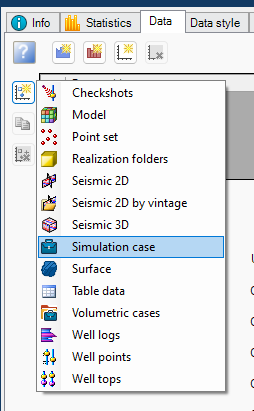
Build the investigation. Select ‘Simulation case’ as the data set. Add a simulation case and add static can dynamic properties for analysis
All the simulation case time steps are added. Sub selections can be made using the drop-down arrow
Be aware of I J decimation, when building grid investigations
Give the investigation a name and hit OK
Simulation time step comparison
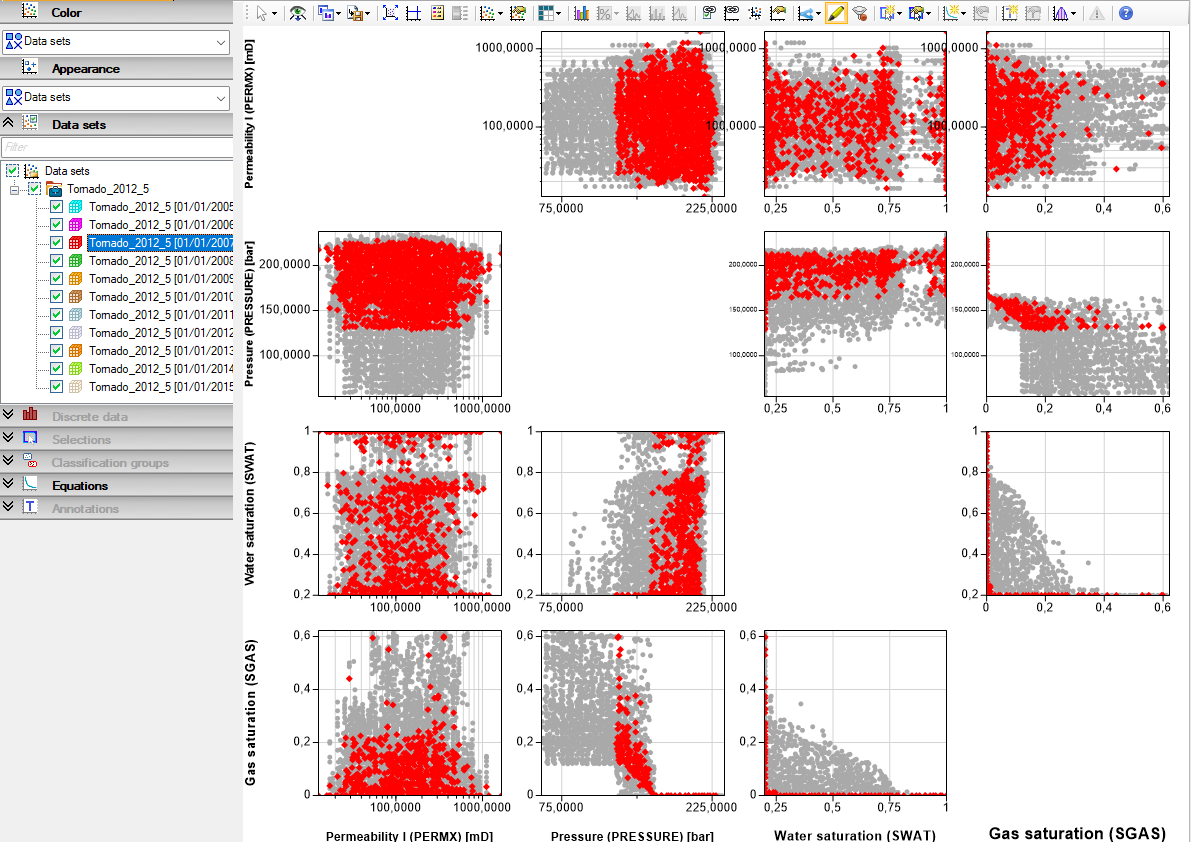
To play through the time steps in the plots, activate the ‘Highlight selected data’ in the plot toolbar, and use the up - down arrow keyboard keys to play through the time steps