Appearance
Blueback Investigator Quick Guide
Examples
Create polynomial look-up table from check-shots
Check-shots
Option for introduction slide.
Create polynomial look-up table from check-shots
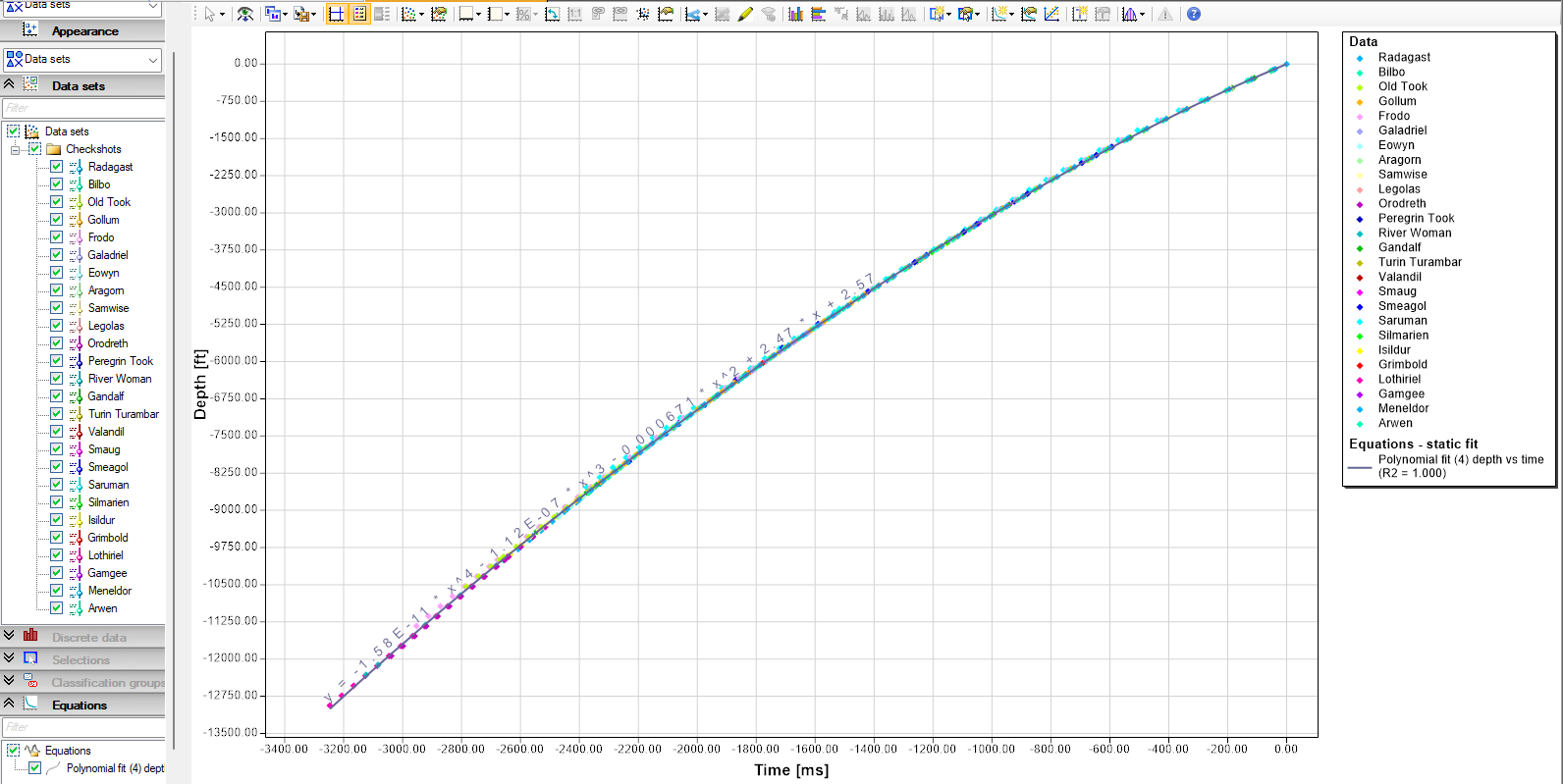
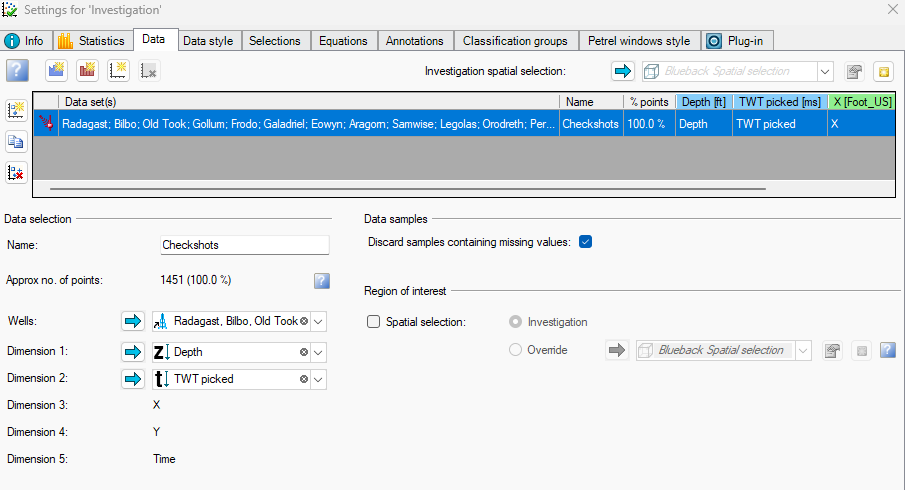
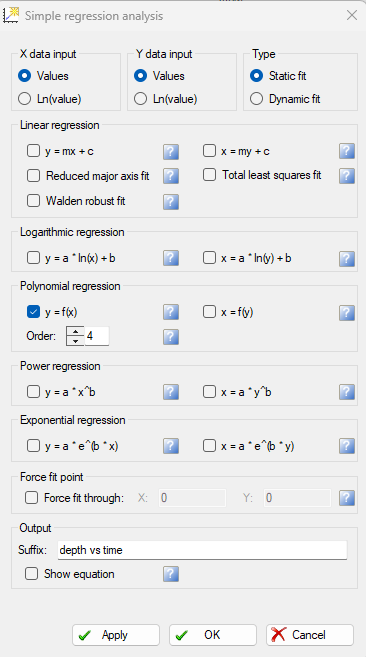
For fast depth conversion, a depth conversion look-up table can be calculated from plotting depth vs TWT and running a polynomial regression. Build a check-shots investigation and plot Depth vs Time and run a polynomial regression using the ”Simple regression analysis” menu
Save the polynomial as a Petrel function

Create polynomial look-up table from check-shots
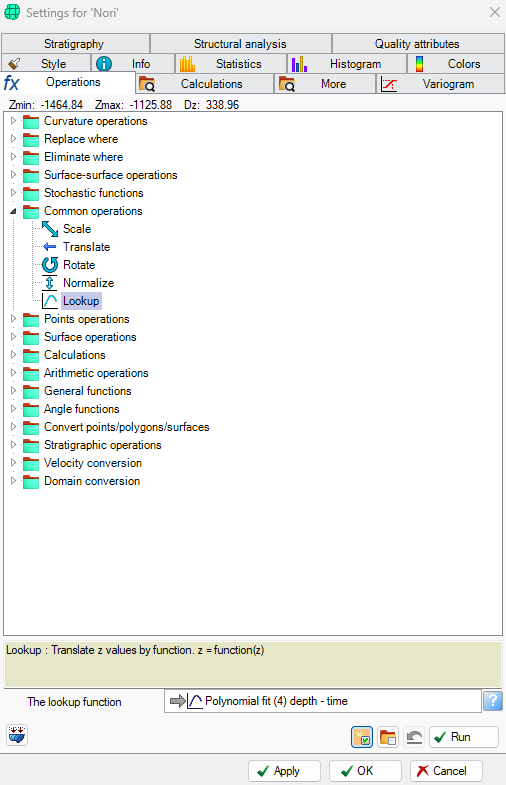
From surface operations of the time 2D surface select ”Lookup” and drop the polynomial in, toggle ”Create object in same folder” and hit OK, and a look-up depth converted 2D surface is now created